
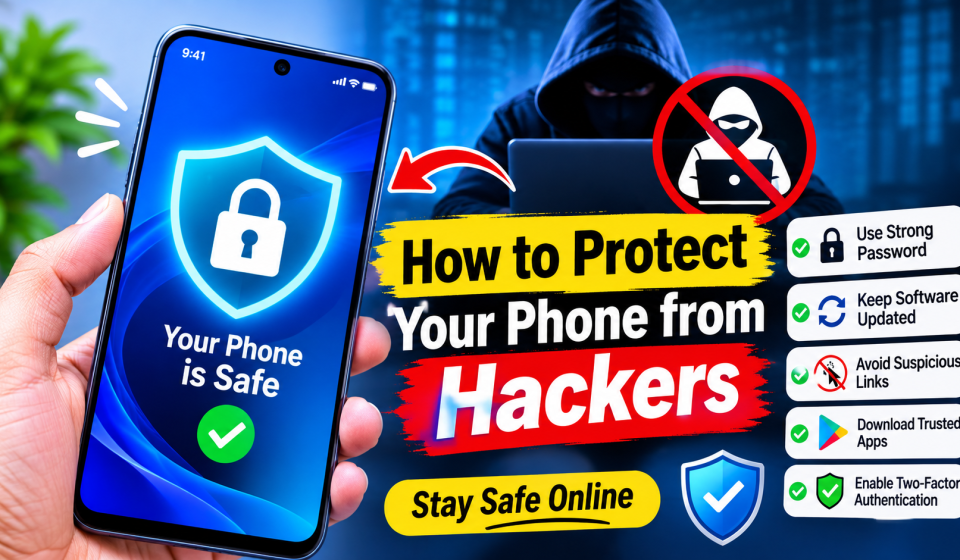

How to Protect Your Phone from Hackers
Our phones now store everything including passwords, banking details, work emails and personal photos. Our phone is basically our computer in our pocket so it makes sense that they are one of the main targets for hackers to attack. You may be how-to-protect- to Protect Your Phone from hackers.
You don’t need to be a Cybersecurity Guru to keep your phone secure! There are just a few key points to keep your information and future worries safe.
1. Keep Operating System and Apps up to date
One of the easiest ways hackers can enter your devices is by exploiting weaknesses in the software. Most tech companies such as Google and Apple will patch these up in updates.
Ensure your iOS/Android OS and apps are set to update automatically.
It is very important to Update Your Software. Just as you would Update Your House, take notice of the updates. This lets the cyber attacker know there is a time limit.
2. Use strong Biometrics and Passcodes
Your lock screen can help Protect Your Phone from remote and physical attacks.
Avoid using common 4-digit PIN codes such as 1234 or patterns.
Prodigi. Nz
Use a 6-digit complex passcode or alphanumeric password.
Use Biometric security such as fingerprint or face recognition. Always use this type of security as it cannot be easily guessed or shouldered.
3. Be cautious with Public Wi-Fi
Cafes, airports and hotels offer free Wi-Fi networks. These are very popular to use as they are free. However, hackers can easily access this open network and steal your login details and/or financial details.
Do not log onto sensitive accounts (such as online banking) using Public Wi-Fi.
Never use public networks and always use a real Virtual Private Network (VPN). This will encrypt your traffic and hide your IP address.
4. Be wary of Phishing Scams and Links
Phishing is one of the most popular ways to hack INTO a phone. Cyber criminals (bad guys) will send you fake texts (Smishing) or emails to trick you INTO clicking a malicious link. The messages will appear to be from your bank, FedEx, Amazon or Apple.
Never click on links from people you don’t know.
Before entering your password or opening any attachments check who sent it. Real companies will never ask for your password in texts or emails.
5. Only download Apps from official stores
Malicious apps can be found on third party app stores. These can include malware, spyware or trojan’s that will steal your data.
Only download from the Apple App Store or Google Play Store.
Always check reviews from users, information about the developer and what permissions they want. If an app such as a flashlight only wants to access your contacts and microphone then you will want to say no or uninstall.
Final Thoughts
Make sure you lock your phone. Don’t